 DayPilot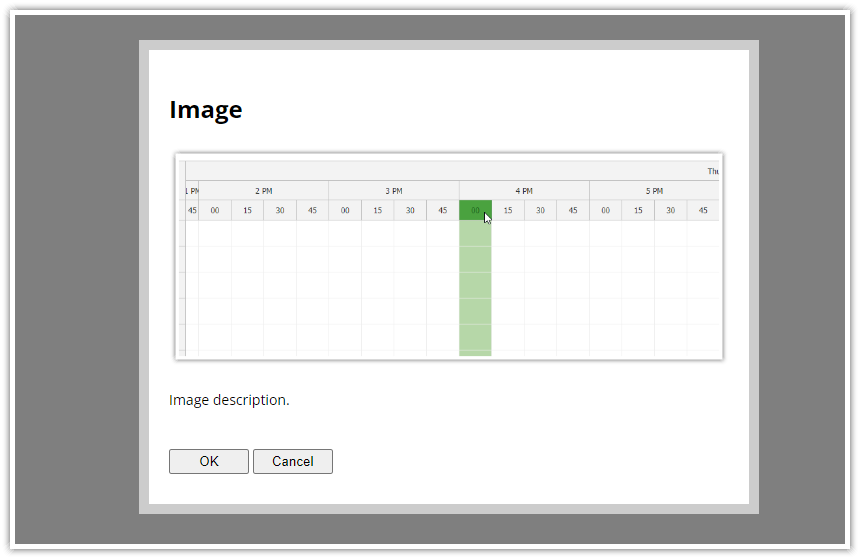
The image field (type="image") displays a read-only image.
Explicit type="image" property is not required. If you specify the image property, the image field will be detected automatically.
Image Field Properties
- type ("image") - specifies the form field type; optional
- image (string) - the image URL (can be a data URL as well)
- cssClass (string) - additional CSS class that will be applied to the form field; optional
Example
async function modalImage() {

  const form = [
    {name: "Image"},
    {image: "scheduler.png"},
    {text: "Image description."},
  ];
  const data = {
  };

  const modal = await Modal.form(form, data);
  console.log(modal.result);;

}